Guide · HubSpot audit

HubSpot audit: the complete guide.

What to check, in what order, and what it costs you when nobody does. Written from real portal audits, with a free checklist you can use this week.

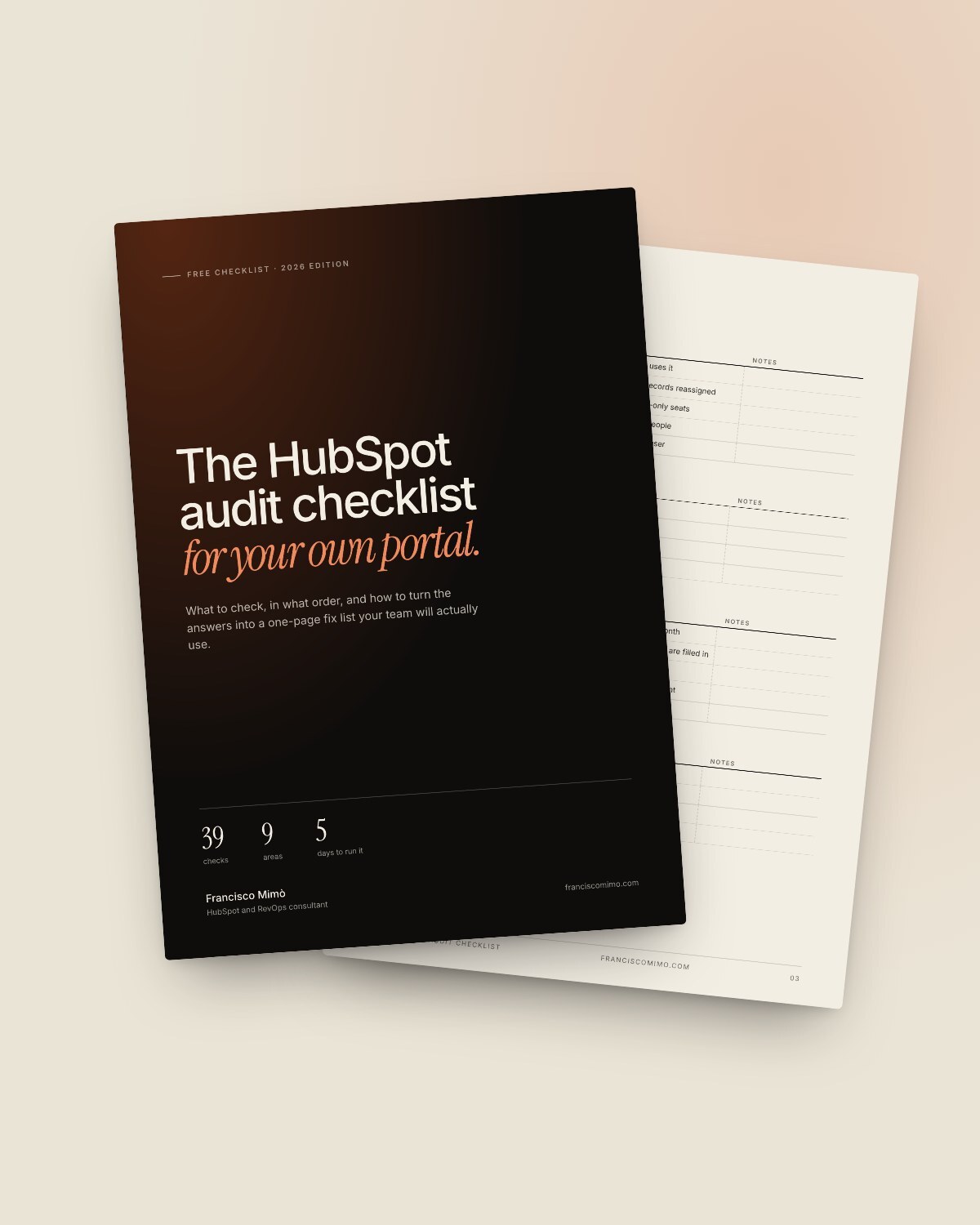
The HubSpot audit checklist cover
The checklist, free as a PDF

Francisco Mimò8-minute readUpdated November 2026

In short

  • An audit compares what you pay for with what your team actually uses.
  • Most waste hides in four places: seats, marketing contacts, unused features and AI credits.
  • Data quality decides whether your reports and AI agents can be trusted.
  • You can run a basic audit yourself in five working days with the checklist in this guide.
01

What a HubSpot audit is

A HubSpot audit is a structured review of your portal that answers one question: are you getting what you pay for?

It looks at four things side by side: what your subscription includes, what your team actually uses, how clean your data is, and whether your automations and reports still do what they were built to do.

The output is not a list of everything that could be better. It is a short, prioritised plan: what to fix first, what it saves and what it costs.

An audit is not a rebuild. Nothing changes in your portal while it runs. That is what makes it a safe first step, even for a portal your team depends on every day.

02

Signs your portal needs an audit

One of these is normal. Three or more usually means the portal costs more than it returns.

  • Two reports, two numbers. The same metric gives different results depending on who built the dashboard.
  • Your bill went up and nobody knows why. A new contact tier, extra seats or AI credits appeared on the invoice.
  • People work around HubSpot. Spreadsheets, side notes and Slack threads hold information that should live in the CRM.
  • Workflows nobody owns. Automations built by someone who left are still running and still sending.
  • AI switched on without a plan. Agents or Breeze features are active, but nobody has set limits or checked what they use.
  • Your setup is older than your sales process. Pipelines, lifecycle stages and properties reflect how you sold two years ago.
03

What an unaudited portal costs you

The money you can see is on the invoice. The money you can’t see is in your team’s time and in decisions made on bad data.

Seats you pay for but don’t use

Unassigning a seat does not stop billing. The seat has to be removed, and removals only take effect at the next billing period. Purchased seats generally can’t be reduced before renewal, so review them well before that date. View-only seats are free: people who only read dashboards may not need a paid seat at all.

Marketing contacts above your tier

Going over your marketing contact tier, even by one contact, moves you to the next tier automatically, and you stay there until renewal. Contacts you no longer email should be set as non-marketing, and a maximum can stop imports and automations from pushing you over. Tiers are only lowered at renewal, and HubSpot asks for the request at least five business days before it.

Features nobody switched on

Many portals pay for a Professional or Enterprise feature that was part of the business case and never got set up: sequences, custom objects, lead scoring, the knowledge base. Either put it to work or plan to drop it at renewal.

AI credits without a ceiling

HubSpot’s AI features and agents run on HubSpot Credits. Without limits and alerts, a busy automation or agent can use far more credits than anyone planned. An audit checks what is switched on, what it uses and who gets told when usage spikes.

Time and trust

The biggest cost rarely shows on the invoice: hours spent reconciling reports, duplicate records sales has to work around, and decisions taken on numbers nobody fully trusts.
04

The audit checklist, area by area.

Nine areas, in the order I check them. Each check is a yes or a no. Every no goes on your fix list.

01Account, seats and permissions

  • Every paid seat is assigned to someone who uses it
  • Former employees are deactivated and their records reassigned
  • People who only read reports are on free view-only seats
  • Super Admin rights are limited to two or three people
  • Two-factor authentication is required for every user

02Billing and contact tiers

  • You know your renewal date and your contact tier
  • Contacts you don’t email are set as non-marketing
  • A maximum number of marketing contacts is set
  • Every add-on on the invoice is actually in use

03Data quality

  • Duplicate contacts and companies are reviewed every month
  • Key properties such as lifecycle stage, owner and country are filled in
  • Unused and duplicate properties are archived
  • Companies are linked to their parent company where relevant
  • Imports follow one standard template

04Pipelines and lifecycle

  • Deal stages match how you sell today
  • Each stage has clear entry criteria
  • Lifecycle stages move forward automatically, not by hand
  • Lost reasons are required and reported on

05Workflows and automation

  • Every active workflow has an owner and a description
  • Workflow errors are reviewed every week
  • No two workflows overwrite the same property
  • Old campaign workflows are switched off
  • Custom code actions handle errors and timeouts

06Reporting and dashboards

  • Each key metric has one written definition
  • Every dashboard has an owner and is actually used
  • Revenue in HubSpot matches your billing or finance tool
  • Reports use properties, not manual notes

07Integrations

  • Every connected app has a purpose and an owner
  • Sync errors are monitored
  • Field mappings are documented
  • Apps nobody uses are disconnected

08AI and HubSpot Credits

  • You know which AI features and agents are switched on
  • Each agent has business context and a human handoff
  • Credit usage has limits and alerts
  • Someone reviews agent answers every month

09Security and privacy

  • Consent and subscription types match your privacy policy
  • Sensitive data is not stored in free-text properties
  • Users only see the records they need
  • There is a retention rule for old, inactive contacts

Free download

The HubSpot audit checklist, as a PDF.

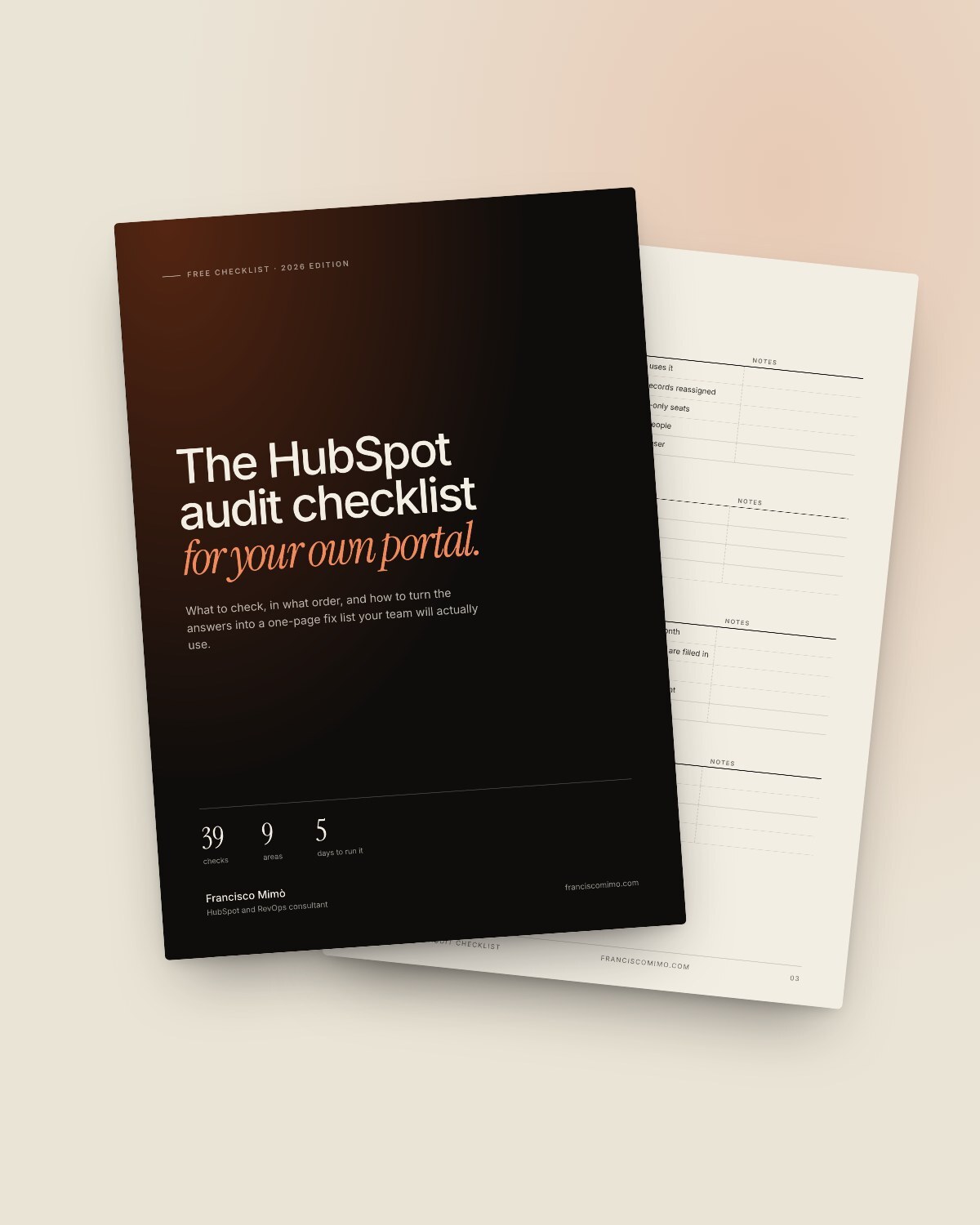
Every check from this guide, ready to print or share with your team, plus a one-page fix list to turn the answers into a plan.

  • 39 checks across nine areas
  • A five-day plan to run it yourself
  • A fix list template with impact, effort and owner
The HubSpot audit checklist cover

Get the checklist

You’ll get the PDF by email. Unsubscribe anytime.

05

How to run it yourself in five days

One area a day, about two hours each. You need a Super Admin user and access to billing.

  1. Day 1. Access and billing. Export your users and seats, note your renewal date and contact tier, and list every add-on on the invoice.
  2. Day 2. Data. Open HubSpot’s data quality tools, review duplicates and property insights, and check how many key properties are empty.
  3. Day 3. Pipelines and automation. Walk through every pipeline stage with someone from sales, and list active workflows with their owner and their latest errors.
  4. Day 4. Reports, integrations and AI. Compare your main revenue number with finance, review connected apps, and check which AI features and agents use credits.
  5. Day 5. Fix list. Turn every no into one line: what to fix, the impact, the effort and the owner. Sort by impact first.
06

Do it yourself, or bring someone in?

The checklist gets most teams most of the way. Some situations need an outside view.

Run it yourself if your portal is less than two years old, one person built most of it, and you mainly want to clean up seats and contacts.

Bring someone in when the stakes are higher: a renewal is coming up, a board deck depends on HubSpot numbers, you are about to switch on AI agents, or several people and agencies have built on the portal over the years. An outside view also helps when the honest answer is uncomfortable.

My Usage and Cost Audit covers every area in this guide in 3 business days, for a fixed $398, with a written plan and a 30-minute review call.

See the audit

Questions about HubSpot audits.

Still wondering something? Send me a note.

How long does a HubSpot audit take?

A focused audit of a small or mid-sized portal takes three to five working days. Portals with several hubs, custom objects and many integrations can take longer.

How often should you audit HubSpot?

Once a year at least, and always before renewal, because that is when seats and contact tiers can come down. A lighter quarterly check on duplicates, workflows and credits keeps problems small.

Will an audit change anything in my portal?

No. An audit only reads and documents. Changes happen afterwards, once you have agreed what to fix.

What access does an auditor need?

A user with Super Admin rights for the length of the audit, so billing, seats and settings are visible. The user is removed when the audit ends.

Can an audit lower my HubSpot bill?

Often, but timing matters. Seat removals take effect at the next billing period, and contact tiers can only be lowered at renewal. That is why the best time for an audit is a few months before renewal.

Does an audit cover AI features and HubSpot Credits?

It should. A current audit checks which AI features and agents are on, what they use, and whether limits and alerts are set.

Is the checklist really free?

Yes. Leave your email and you get the PDF. Use it on your own, or bring it to a call if you want help with the fix list.

Want a second pair of eyes on your portal?

Book a free 30-minute call and we check whether the audit is the right first step.

Spain English or Español

Francisco Mimò